
How to book a class
All Olive classes are booked through the Glofox app. It takes a few minutes to set up. To get started, see the steps below or tap one of the buttons to download the app.
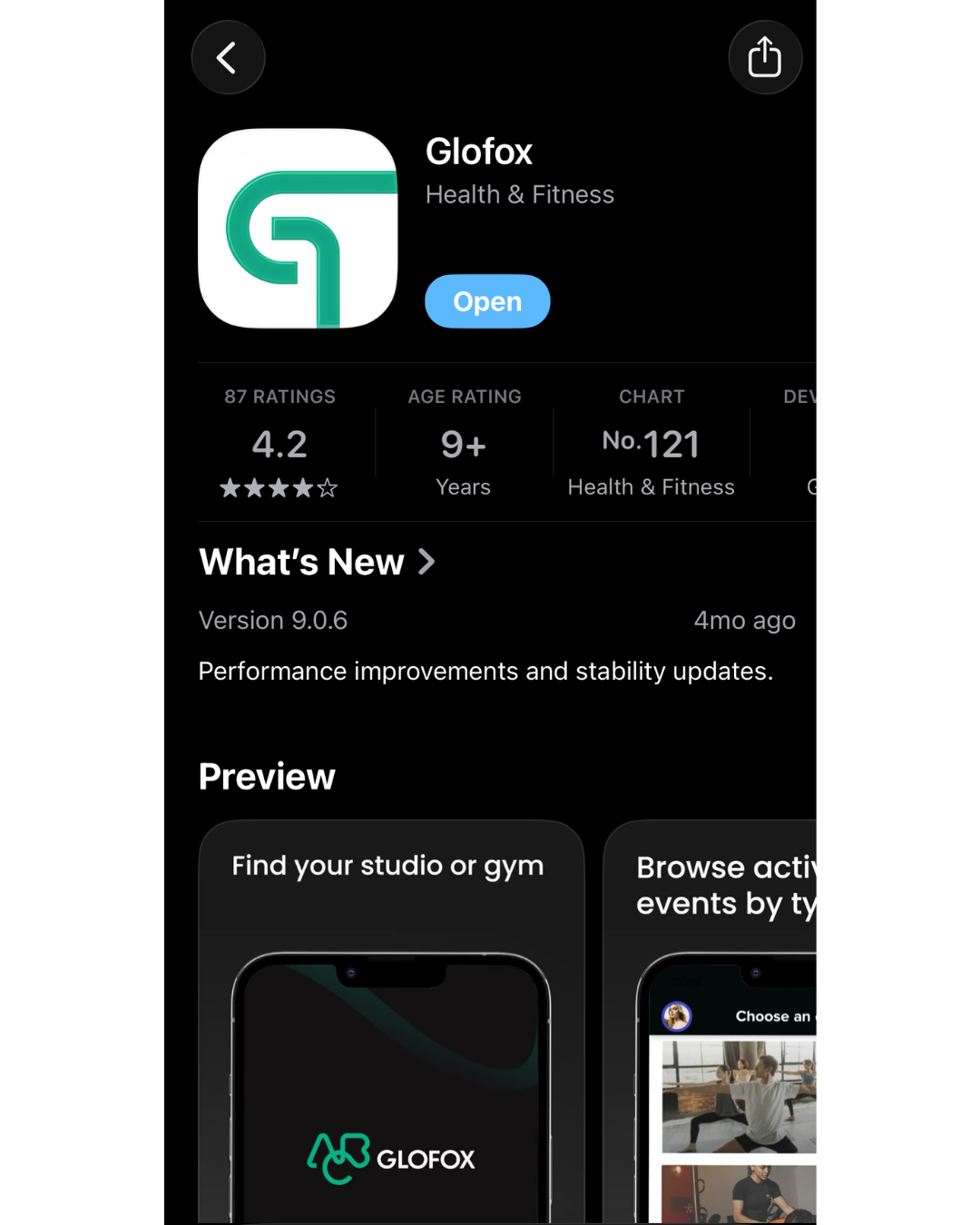
Download ‘Glofox’ on the app store
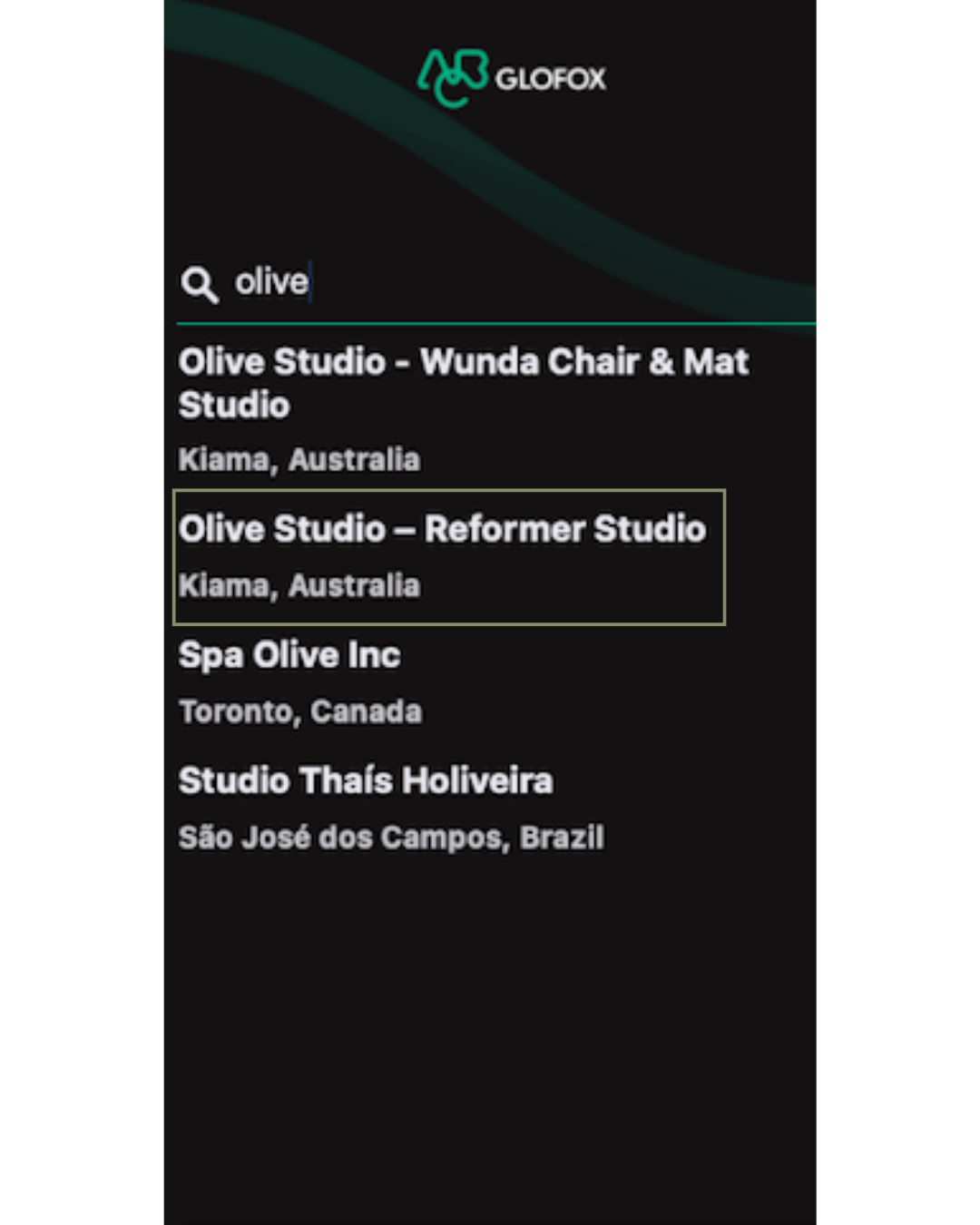
Type in and select ‘Olive Studio Reformer Studio’ - ignore Wunda Studio option
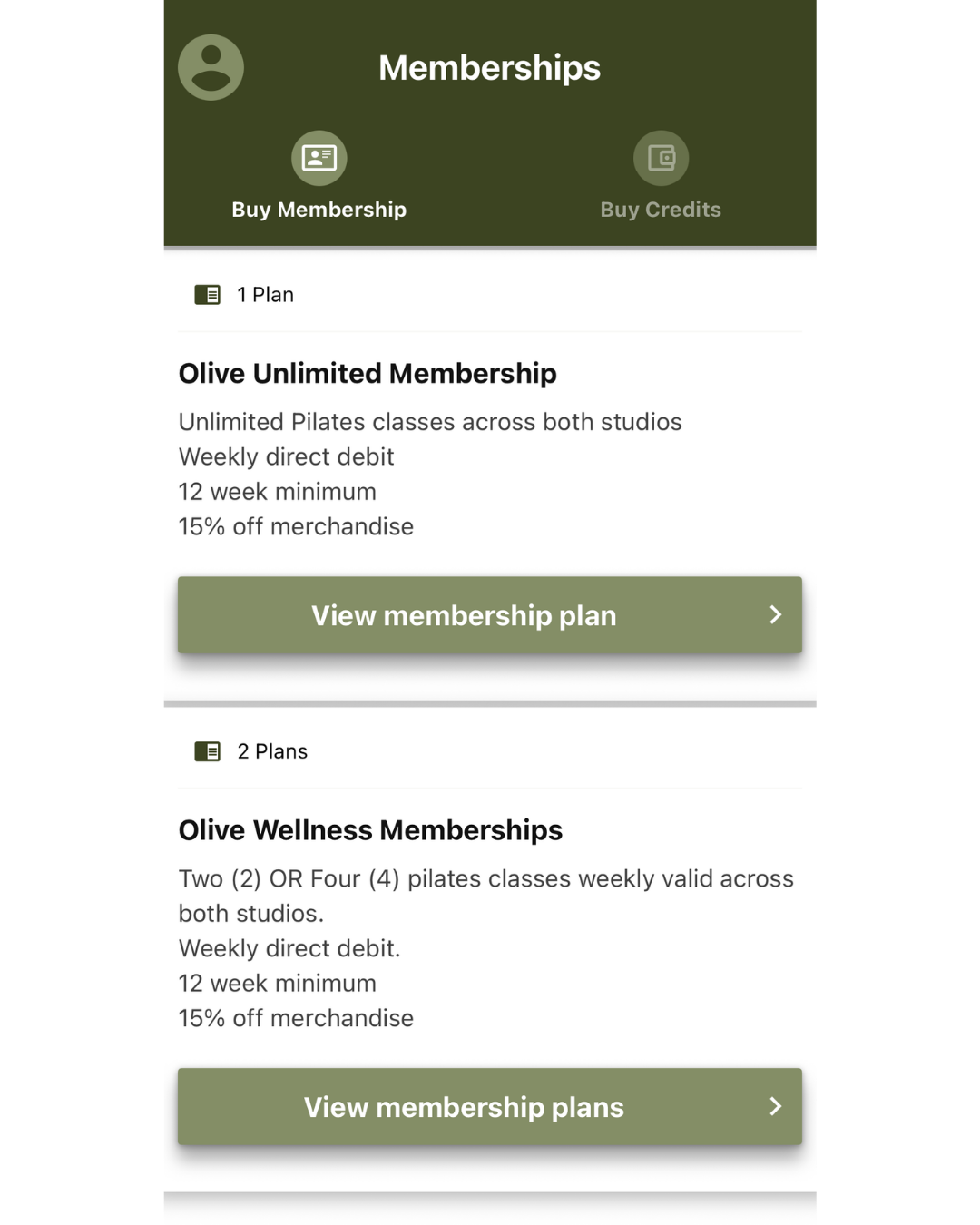
Navigate to the ‘Membership section’ this will be on the bottom right of your screen. Purchase credits or a membership to get started.
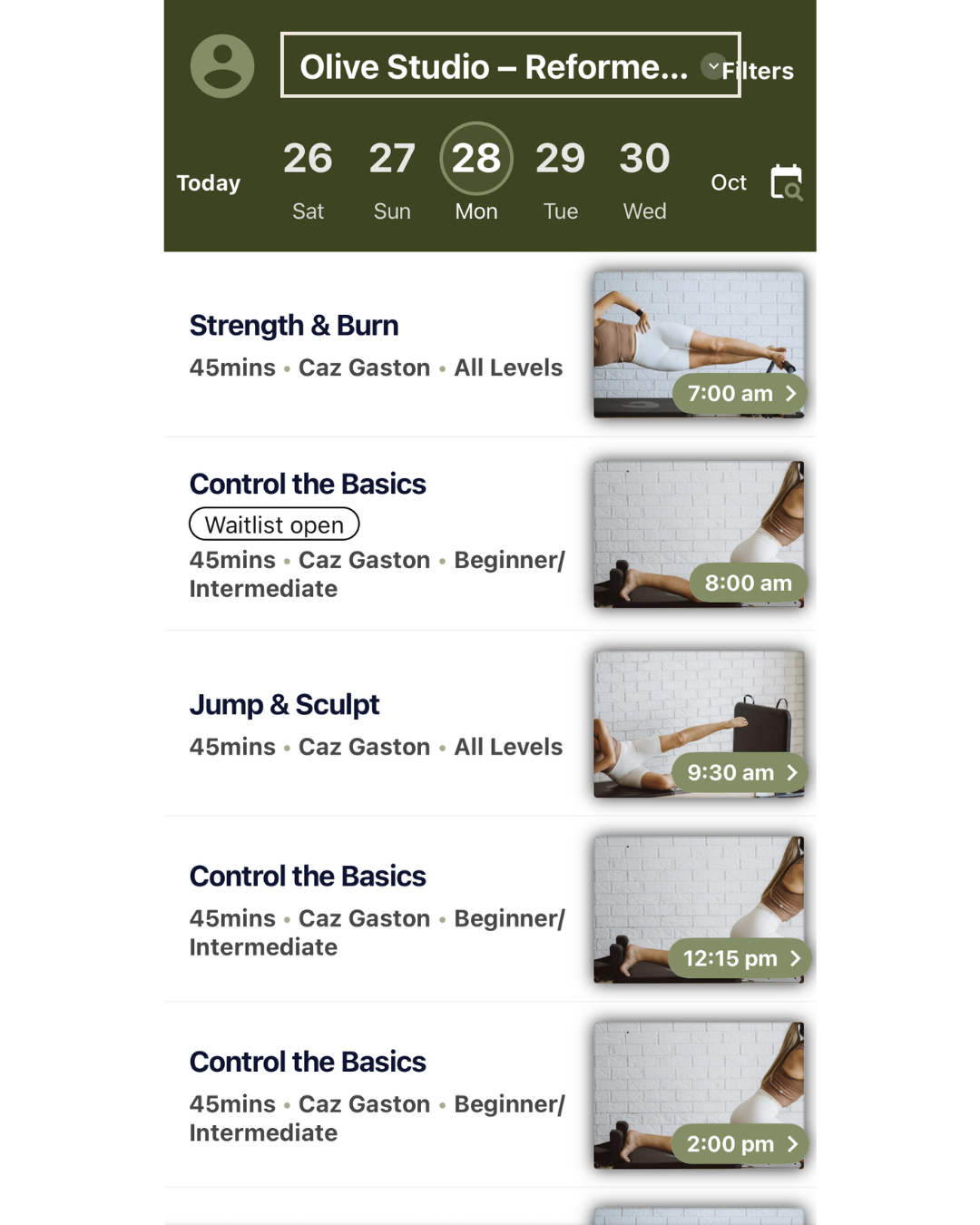
Once you have successfully purchased credits or a membership, navigate to the ‘Timetable’ page, this will be on the bottom left of your screen.
Toggle to “Wunda Studio” via the little arrow up top ^
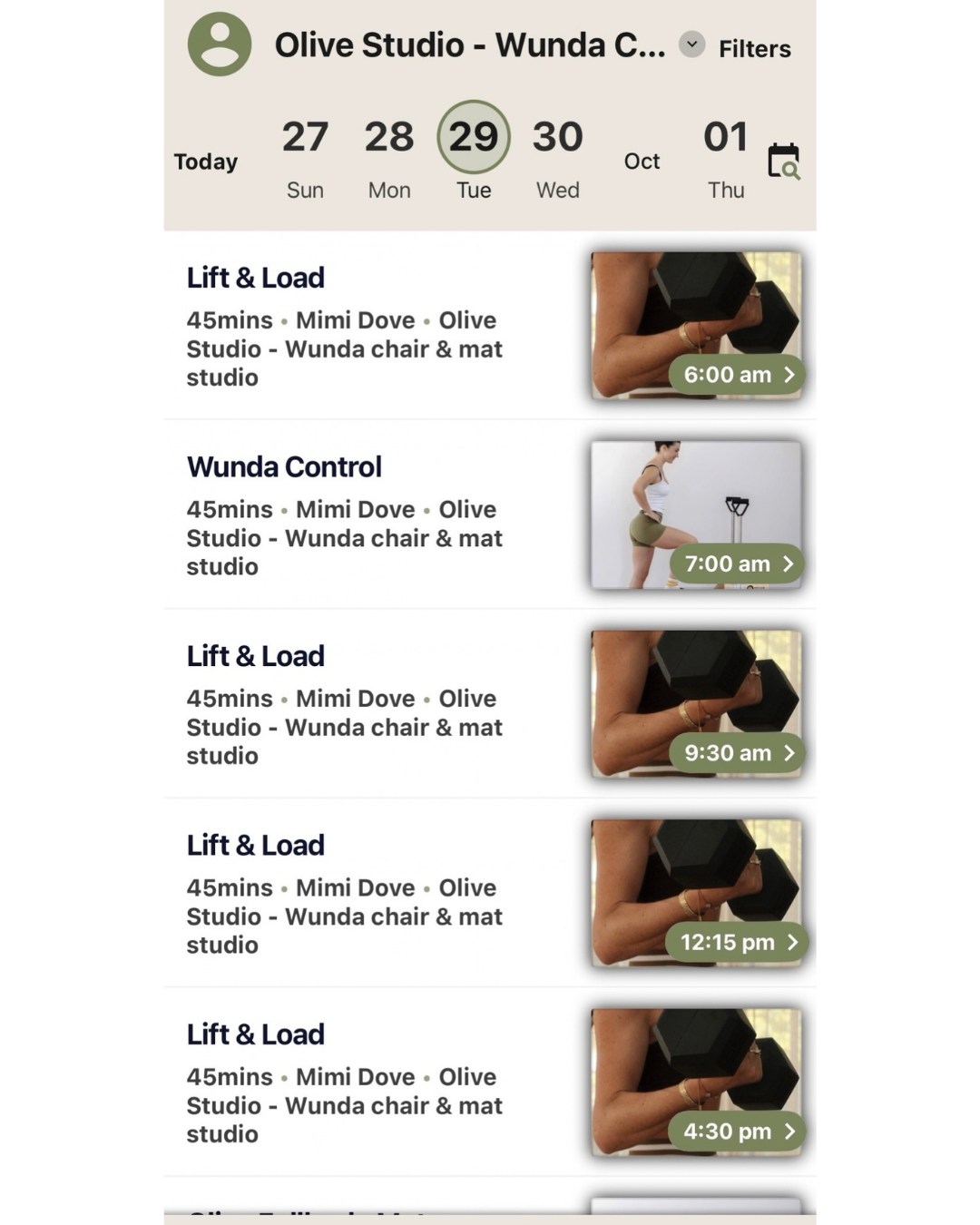
Select a class of your choice and click the green button ‘Book’